Containerized Web Application with PostgreSQL
Project Overview
This project demonstrates how to design, containerize and deploy a web application using Docker.
- Backend API: Node.js + Express
- Database: PostgreSQL
- Orchestration: Docker Compose
- Networking: Docker Macvlan
- Storage: Docker Named Volume
Architecture
Client (Browser / Postman)

↓

localhost:3000 (Port Mapping)

↓

Docker Host

↓

Docker Bridge Network
(172.18.0.0/16)

↓

Backend Container (Node.js + Express)

↓

PostgreSQL Container

↓

Docker Volume (Persistent Storage)

Repository Structure
container-project/

├── backend/
│   ├── Dockerfile
│   ├── package.json
│   ├── package-lock.json
│   ├── server.js
│   └── node_modules/

├── database/
│   ├── Dockerfile
│   └── init.sql

├── docker-compose.yml
├── .dockerignore
└── README.md
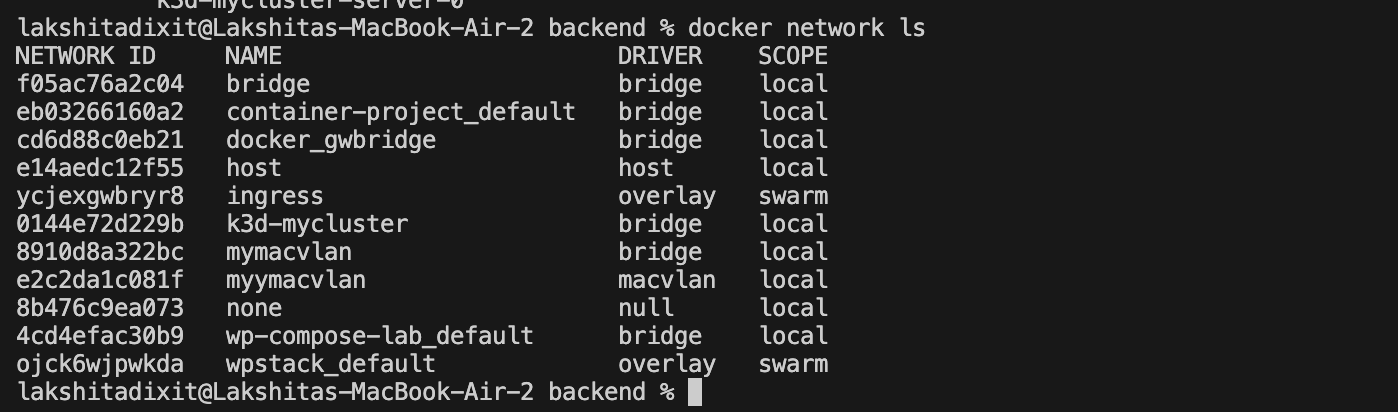
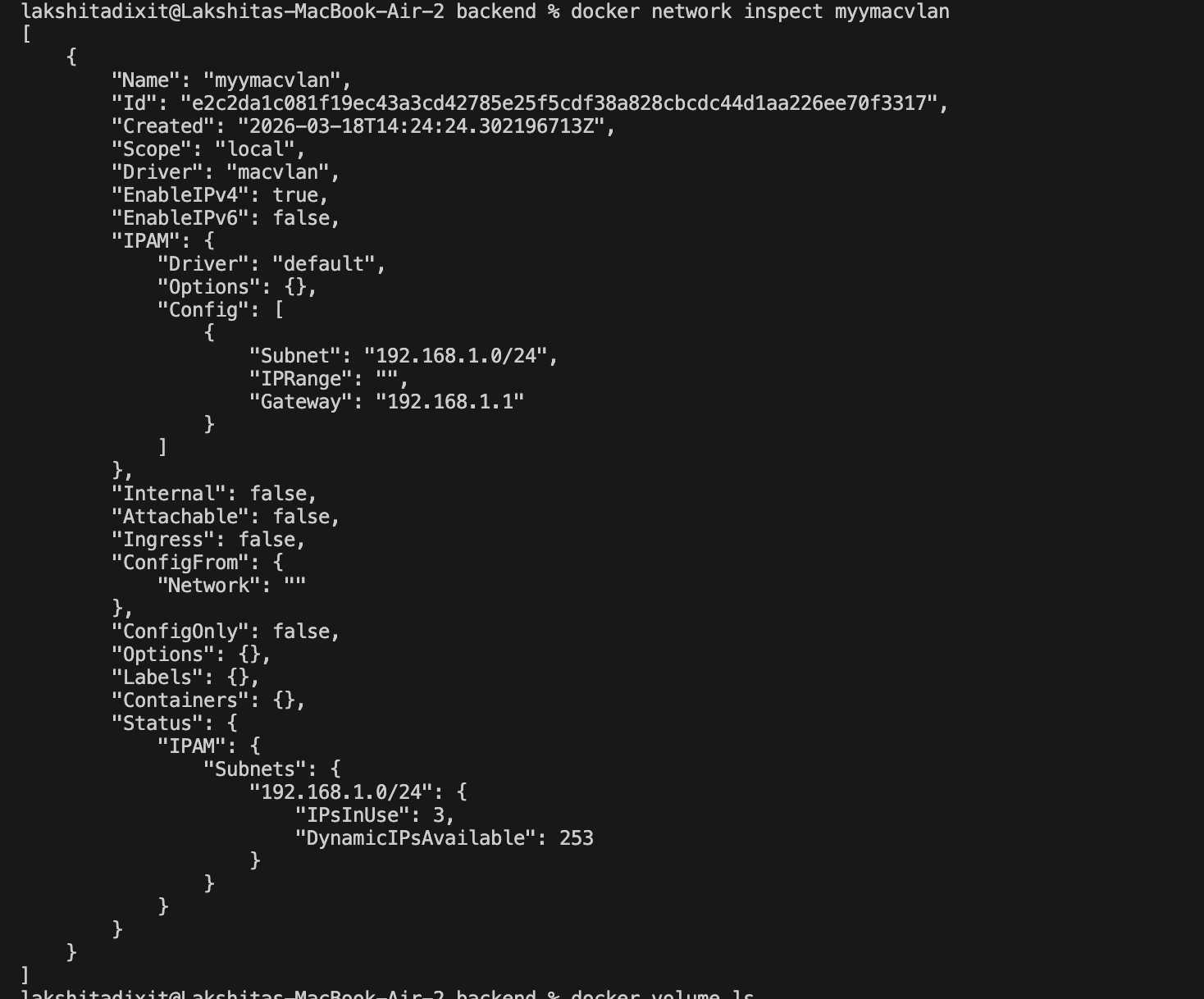
Create Macvlan Network
docker network create -d macvlan \
--subnet=192.168.1.0/24 \
--gateway=192.168.1.1 \
myymacvlan

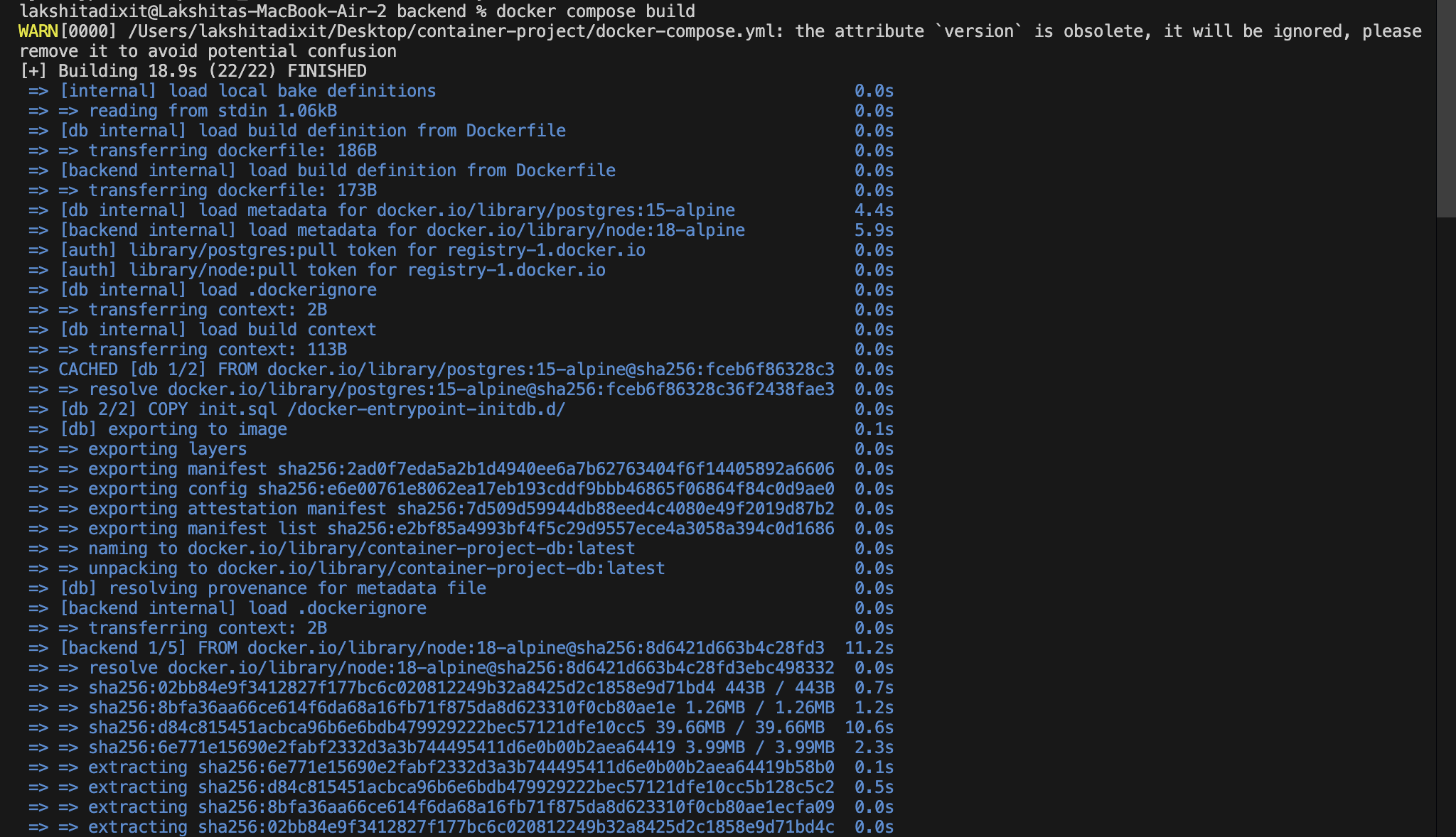
Build and Run
docker-compose up -d
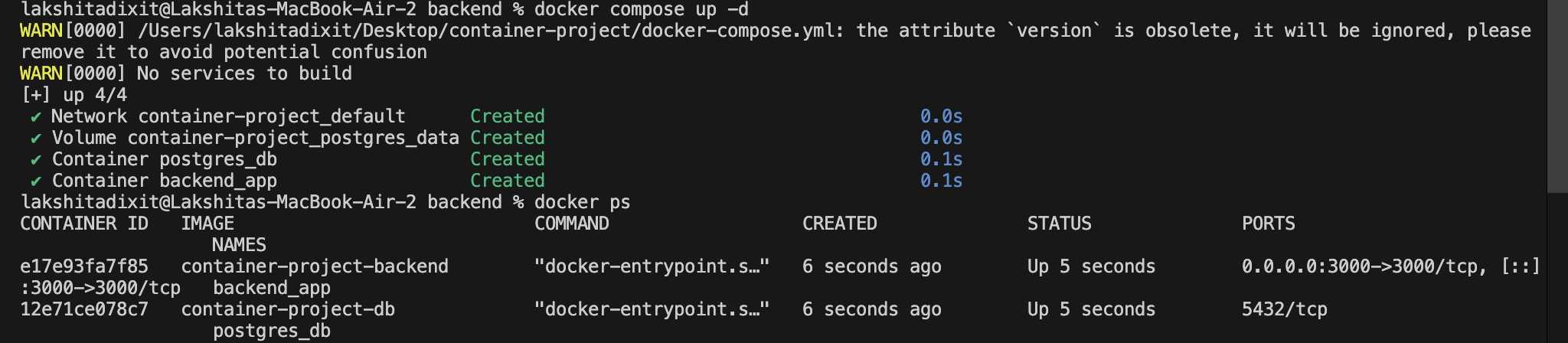
Check Running Containers
docker ps
Test API
curl http://localhost:3000/users


Insert Record
curl -X POST http://localhost:3000/add \
-H "Content-Type: application/json"
-d '{"name": "Lakshita"}'
Fetch Users
curl http://localhost:3000/users

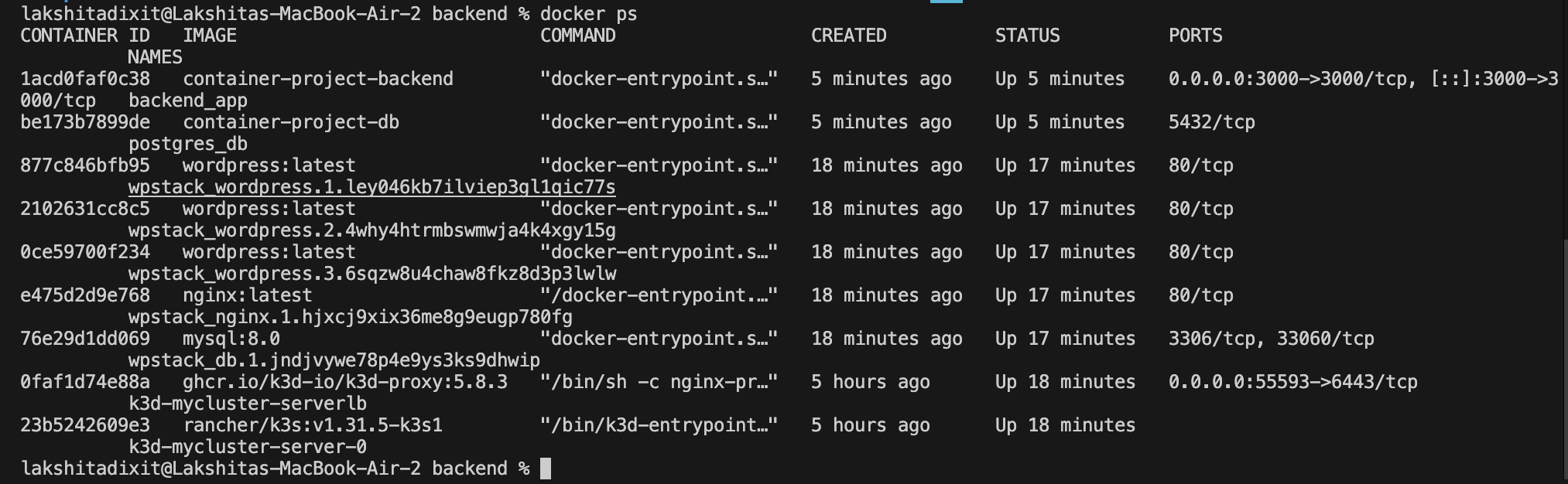
Verify Containers
sudo docker ps
Verify Network
docker network inspect mymacvlan
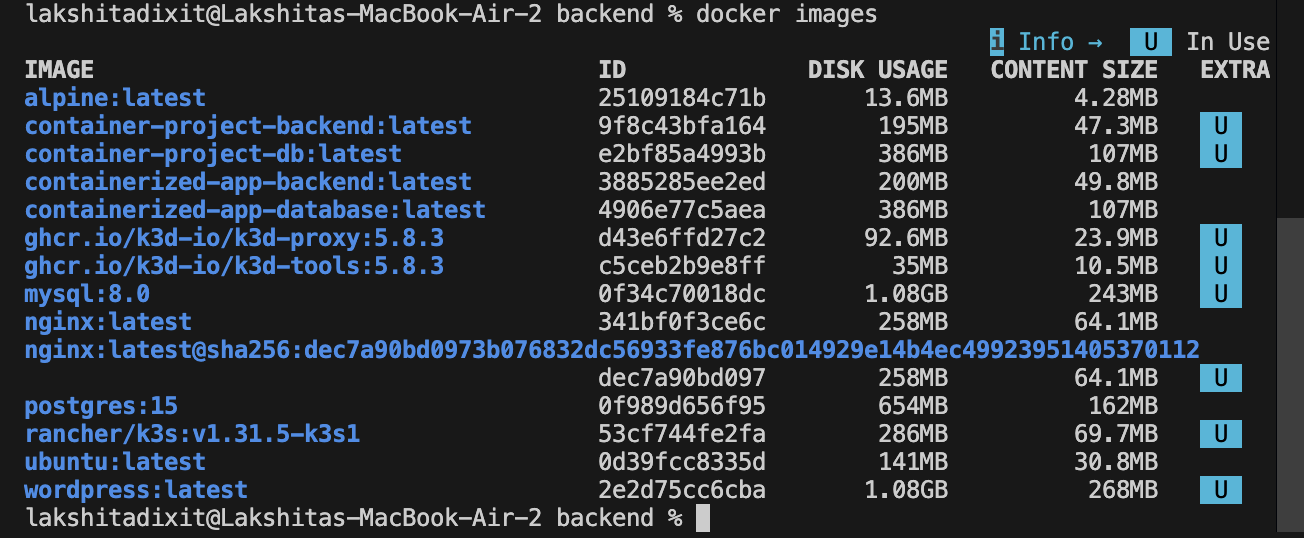
Verify Images
docker images
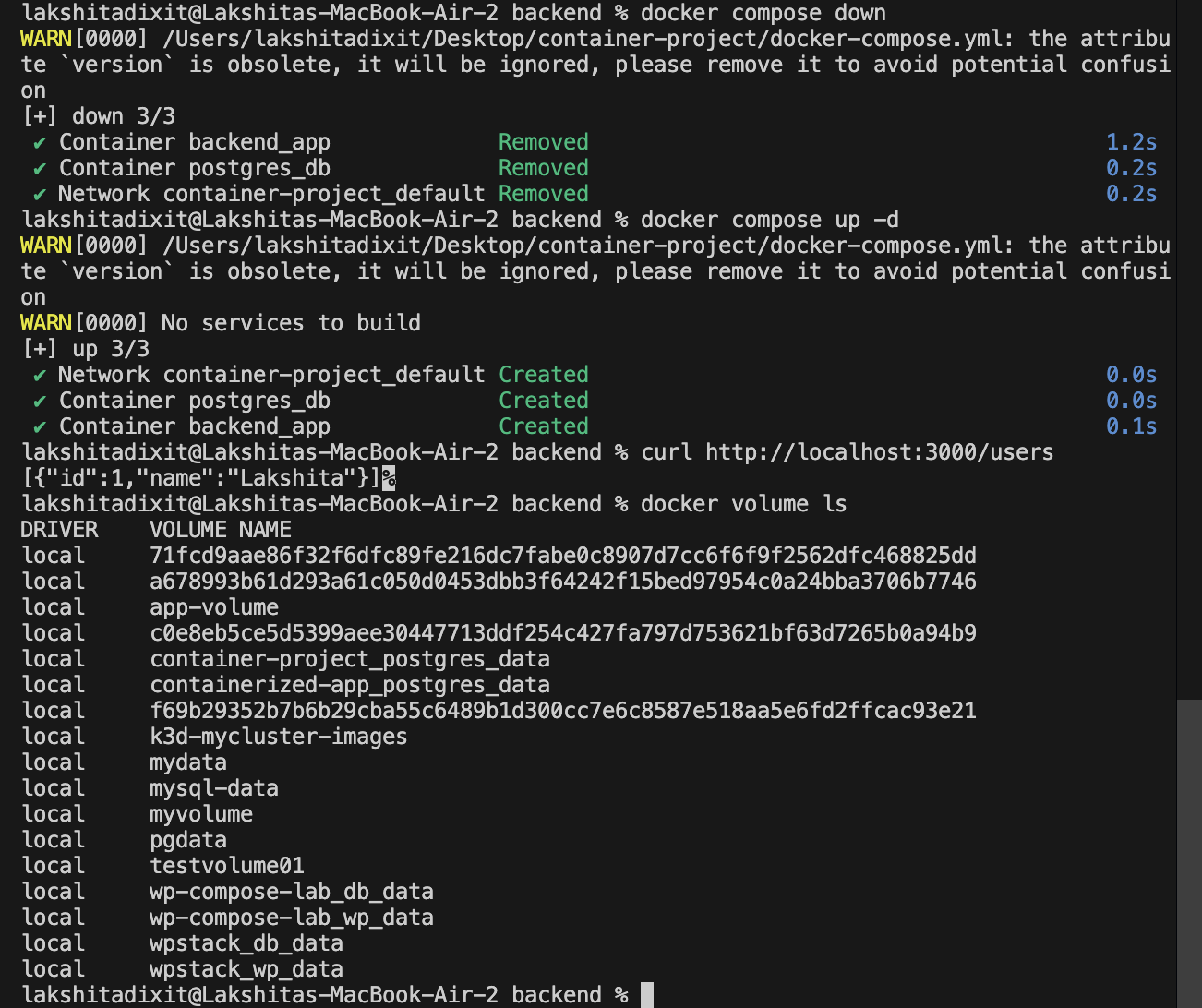
Verify Volumes
docker volume ls

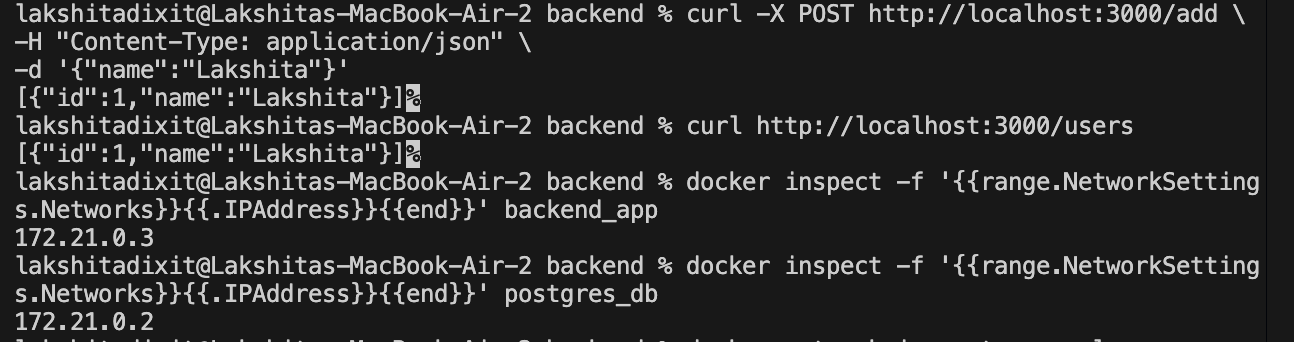
Volume Persistence
Step 1 — Insert Data

curl -X POST http://localhost:3000/add

Step 2 — Retrieve Data

curl http://localhost:3000/users

Step 3 — Stop Containers

docker-compose down

Step 4 — Restart Containers

docker-compose up -d

Step 5 — Verify Persistence

curl http://localhost:3000/users
Project Summary
This project presents the design, containerization, and deployment of a multi-container web application using Docker and Docker Compose, demonstrating fundamental DevOps and containerization principles. The system consists of a Node.js and Express backend service integrated with a PostgreSQL database, each running in isolated containers to ensure modular architecture and service independence. Docker Compose is utilized for service orchestration and dependency management, while Docker networking enables seamless inter-container communication. Additionally, Docker named volumes are implemented to provide persistent storage, ensuring that database data remains intact across container restarts. The project further validates container functionality through API testing and verification of running containers, networks, images, and volumes, thereby illustrating practical concepts such as container lifecycle management, environment configuration, data persistence, and scalable application deployment within a containerized environment.